
The $600 Recovery Protocol: Audit Your Subscriptions Like a Forensic Accountant
Stop letting small fees compound into a major loss. Here is the exact forensic process I use to hunt down forgotten digital services and reclaim $600 annually.


The bleeding is often silent. You check your checking account balance, and it looks lower than expected, but nothing catastrophic jumps out. You paid the rent, the utilities, and bought groceries. Yet, somehow, $50 to $70 evaporated every month. In 2026, with the proliferation of SaaS (Software as a Service) platforms, streaming tiers, and digital memberships, this "death by a thousand cuts" is the primary budget killer I see in my analysis of personal banking statements.
Most people rely on mental accounting. They remember the $15 Netflix bill and the $14.99 Spotify charge. They forget the VPN service they signed up for one weekend in 2024, the cloud storage add-on that auto-renewed in March, or the specialized graphic design tool they used exactly twice. These are not "latte factor" expenses; they are structural leaks in your financial foundation. The 'Latte Factor' is Dead: Why Cutting Small Habits Doesn't Build Wealth, but eliminating forgotten subscriptions is immediate, high-yield arbitrage.
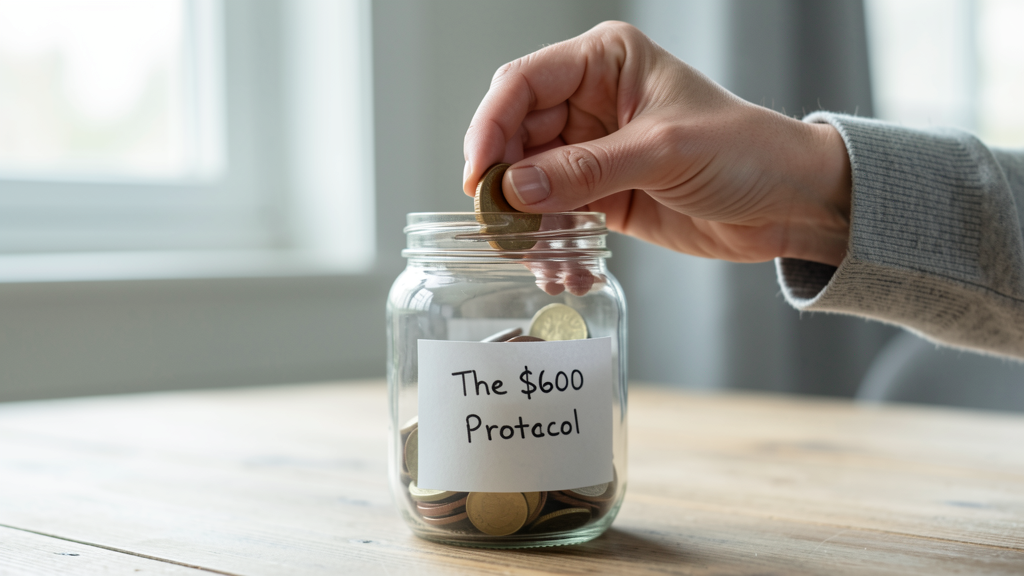
My target for you is $600 a year. That is a conservative estimate based on finding and cutting roughly $50 in waste per month. To get there, we cannot rely on intuition. We need a forensic audit.
Why Standard Budgeting Apps Miss the Mark
Before we begin the steps, understand why tools like Mint or YNAB often fail here. They categorize transactions based on merchant codes. They will group a "NYT*Subscription" under "News & Magazines." They do not tell you if you actually read the New York Times. They show you what left your account, not why it left or if it holds value.
Furthermore, many modern subscription services usebilling descriptors that obscure the service name. A charge might appear as "STRIPE *GITHUB PRO" or "APPLE.COM/BILL." Your brain sees a generic tech charge and assumes it is necessary. To find the money, you have to cross-reference the bank ledger with your email history. You need to prove the utility of every recurring dollar.
Phase One: The Digital Paper Trail Using Search Operators
The first leg of this audit ignores your bank account entirely. We are going to dig through your email to surface the "invisible" agreements you have signed.
Open your primary email client. If you are like most of my clients, you have a decade of financial history buried here. We are going to use Boolean search operators to filter out the noise.
Step 1: Execute the "Invoice" Sweep
In the search bar, type the following string exactly:
("invoice" OR "receipt" OR "payment successful") AND ("subscription" OR "renewal" OR "membership")
This query bypasses promotional emails and targets only transactional confirmations. Scroll through the results for the last 365 days. You will likely see charges for services you had completely erased from your memory.
Step 2: Target the "Free Trial" Traps
Companies love to bury the terms of a free trial conversion. Search for:
("free trial" OR "trial period") AND ("ended" OR "expired" OR "converted")
This often reveals the "zombie" subscriptions—services that charged you a day or two after a trial period ended, banking on your inattention. I recently found a $19.99/month language learning app that a client hadn't opened in eight months using this exact method.
Step 3: Isolate "Auto-Renewal" Notifications
Finally, search for:
("upcoming" OR "reminder") AND ("renew" OR "subscription")
These are the emails you subconsciously swipe away. They are your easiest targets for cancellation. If you didn't act on the reminder, you likely don't need the service.
Phase Two: The Bank Statement Forensic Walkthrough
Now that you have a list of potential leaks from your email, we must verify them against cold, hard cash data. Email receipts can be canceled; bank statements show where money actually flowed.
Step 4: Download the Raw Data Log into your primary banking portal. Do not look at the mobile app view; it is too condensed. Download the last 12 months of statements as a PDF or CSV file. You need the full year to catch quarterly or annual subscriptions.
Step 5: The "Highlighter" Technique Print the statements if you can, or use a PDF editor. Go through line by line and highlight any recurring charge that is not a fixed utility (rent, electricity) or a major known variable (car insurance, phone bill). Look specifically for amounts ending in .99 or .49.
Step 6: Cross-Reference the Email Findings Take the list from Phase One and match it to the highlighted lines.
- Scenario A: You found an email receipt for "Service X," but it doesn't appear on the 2025 statement. Good, you already cancelled it.
- Scenario B: You see a charge for "AMZN*MKTP" every month, but no corresponding email. This is often a physical subscribe-and-save order. Do you still need those razor blades or coffee pods delivered monthly, or can you buy them in bulk once every three months?
The "Shadow Tech" Evaluation
With your verified list of subscriptions in hand, we move to the valuation phase. This is where you separate the tools from the toys.
In 2026, the average professional maintains "shadow tech"—multiple apps that perform overlapping functions. You might be paying for Dropbox ($11.99/mo), Google One ($9.99/mo), and iCloud ($2.99/mo) simultaneously. That is nearly $300 a year for file storage redundancy.
Step 7: Apply the "Last Login" Test For every service on your list, ask yourself: "When did I last use this?" For streaming services, check your "Watch History." For SaaS tools, check your "Activity Log." If you cannot remember the last time you logged in, or if the last login was over 90 days ago, cut it. Indecision costs you money.
Step 8: Beware the Value Trap Be careful not to jump from a premium tool to a "freemium" or cheaper generic alternative just to save a few bucks. I have seen clients drop a robust $20/month CRM for a "free" alternative that lacked data security, eventually costing them thousands in lost client data. Much like 4 Times Buying Generic is Actually More Expensive Than Brand Name, choosing a cheaper digital service can sometimes cost more in terms of functionality, security risks, or time lost to poor user experience. Audit for redundancy, not just price.
The Cancellation Battle Plan
Identifying the waste is only half the battle; these companies have designed their systems to retain you.
Step 9: The Virtual Card Shield For the subscriptions you decide to keep (and for future sign-ups), stop using your physical debit card. Use a virtual card or a "privacy card" feature offered by many banks and fintechs today. Set a monthly spending limit on that card. If a gym tries to charge you an annual hidden fee, the transaction will decline, forcing them to contact you and reveal the charge.
Step 10: Execute the Cancellations Cancel the services you identified in Step 7. Do not just pause them; pause leads to re-activation. Cancel. If they offer a "retention discount" (e.g., "50% off for the next 3 months"), decline it. This is a psychological trick to reset your subscription clock. If you didn't value it at full price, you don't need it at half price.
Reallocating the Recovered Capital
Once you have severed the ties, you will see a distinct improvement in your monthly cash flow. That $50 you just saved must be assigned a job immediately. If it sits in your checking account, it will be absorbed into your lifestyle spending.
I recommend automating a transfer of the recovered amount—$600 expected annually—into a high-yield savings vehicle or an investment account. Treat it as a "subscription recovery" dividend.
There is a deeper psychological benefit to this exercise beyond the $600. Conducting this audit re-establishes control. In a digital economy designed to be passive, where friction is removed to make spending effortless, taking a manual, forensic approach to your finances forces you to be an active participant. You stop being a product of the algorithm and start being the architect of your own wealth. The next time you see a "Free Trial" button, you won't just see an opportunity; you will see the audit work you will have to do a year from now to undo it.
Read next
The 'Latte Factor' is Dead: Why Cutting Small Habits Doesn't Build Wealth
Stop agonizing over daily coffee and learn why negotiating your fixed expenses yields ten times the return of micro-frugality.

4 Times Buying Generic is Actually More Expensive Than Brand Name
A mathematical breakdown of how low upfront costs in household staples like paper goods and batteries often result in a higher long-term expenditure through increased consumption and rapid failure.